
The Desktop Browser Built for Seamless Multitasking & Live AI Assistance
Overlay video tutorials with transparent pass-through control, protect your screen during live calls, and stream sub-second AI answers — all in one privacy-first desktop application.
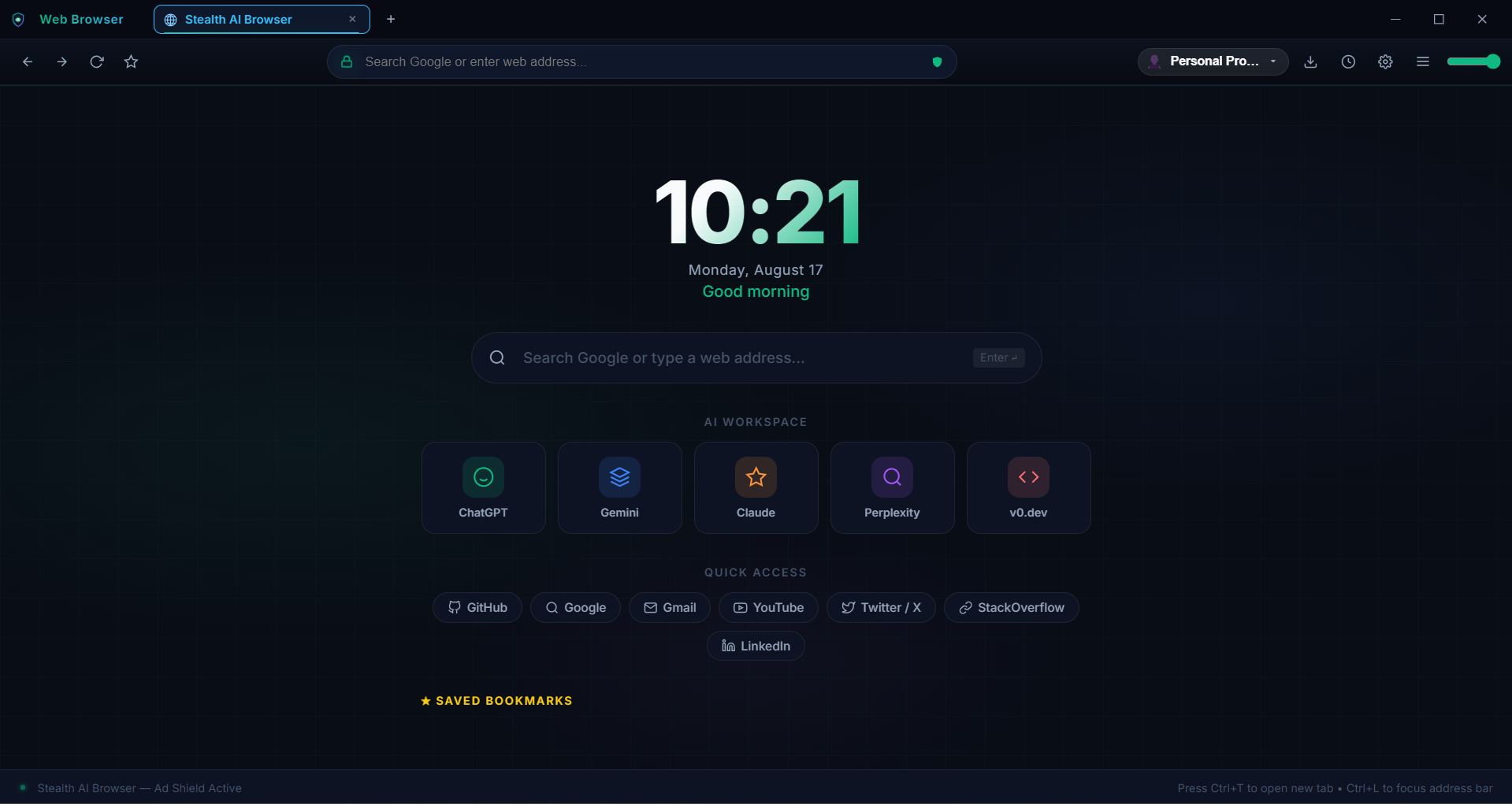
Background Video & Click-Through Transparency
Watch how the browser plays YouTube or web video tutorials in the background with adjustable window opacity while Control Mode lets you click through directly to code or work underneath.
Supercharge Your Desktop Productivity
Background Video & Pass-Through Overlay
Watch YouTube coding guides or video courses in the background with adjustable window opacity while Control Mode lets you click directly through the video to code or write notes underneath.
Sub-Second AI Copilot & Voice Assistant
Captures live spoken audio from your mic or system speaker in real-time, transcribes conversations instantly, and streams context-aware answers to boost your workflow.
Hardware Window Protection
Uses native Win32 window display affinity to keep your browser private and excluded from screen sharing, video recordings, and meeting software.
Context-Aware Knowledge Layer
Load your own PDFs, code bases, or project notes to receive instant AI answers tailored specifically to your active documents.
Local DPAPI Encrypted Vault
Your credentials, session keys, and custom profiles are encrypted locally using native Windows Data Protection APIs (DPAPI) tied securely to your system account.
Built-in Video Ad Blocker
Automatically blocks pre-roll video ads, popups, and banners across web video platforms so your learning sessions play smoothly without interruptions.
Pay As You Use — Access Credits
1 Credit = 1 Hour Live AI Assistant Session. Buy once, use anytime.
Ideal for occasional research sessions and speech assistant tasks.
- ✓ 3 Live Call Credits (3 Hours)
- ✓ Credits Never Expire
- ✓ Real-Time Speech & AI Assistant
- ✓ Hardware Window Protection
- ✓ Context Document Layer (PDF/Notes)
Best value for active users needing multi-session AI assistant workflows.
- ✓ 🎯 8 Total Hours (6 + 2 Bonus Credits)
- ✓ Credits Never Expire
- ✓ Real-Time Speech & AI Assistant
- ✓ Hardware Window Protection
- ✓ Context Document Layer (PDF/Notes)
Maximum credit pack for ongoing power workflows.
- ✓ ⚡ 15 Total Hours (9 + 6 Bonus Credits)
- ✓ Credits Never Expire
- ✓ Real-Time Speech & AI Assistant
- ✓ Hardware Window Protection
- ✓ Context Document Layer (PDF/Notes)
Community Q&A & Live Discussion
Ask questions, submit feature requests, or discuss browser capabilities. Connected live to Firebase.
💬 Post a Question or Comment
🗣️ Community Feed
Live SynchronizedSupported Devices & Operating Systems
Engineered for high-performance desktop environments with hardware-accelerated Win32 display protection APIs.
Windows OS
- ✓ Windows 11 / 10 (x64 & ARM64)
- ✓ Full Hardware Window Protection (`WDA`)
- ✓ Standalone .exe & Setup Installer
- ✓ Local Windows DPAPI Vault Encryption
macOS
- • macOS Ventura, Sonoma, Sequoia
- • Apple M1/M2/M3/M4 & Intel Core
- • Universal .dmg Package
- • Keychain Security Integration
System Specs
- RAM: 4 GB Minimum (8 GB Rec.)
- Disk: 300 MB Free Storage
- Graphics: DirectX 11+ / WebGL
- Network: Broadband for Live AI